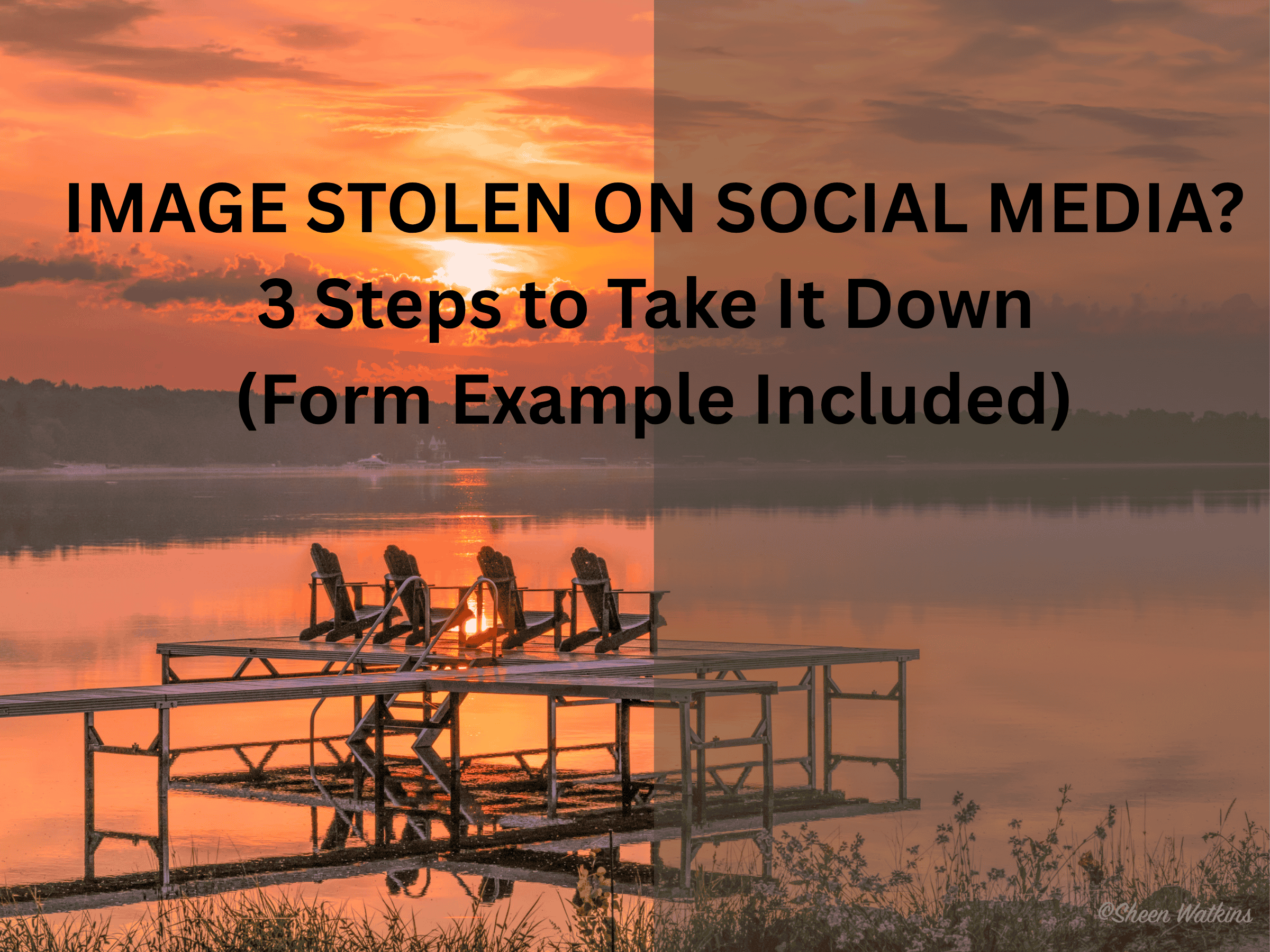
Have you had an image stolen on social media? From personal experience, my answer is a heck yes! Arg! As photographers and creators, we pour our time, talent, and heart into our work. So when we see one of our images posted on someone else’s social media—without credit, permission, or purchase? It completely stings whether on a personal Instagram account or Facebook group. There are steps you can take to have the image removed and protect your rights. The good news is that these steps are fast and easy.
Steps to Take Down Image Stolen on Social
Whether your images are stolen on Instagram or Facebook, it’s pretty much the same process. These steps include:
- Find the original URL location of your image on your social account. Go to your social account, click on the original image location. Then, copy and paste the URL into a note, word file. To ensure I remember that this is the original, I put this URL first. You’ll be copying and pasting this into a Facebook or Instagram form.
- Next, find URL location of your image stolen on social on the offending social account. How? Go to that page or user account, click on your image that they ‘borrowed’ (stole!). Then, copy and past the URL into the same file you used in Step 1 underneath your original URL on a separate line. You’ll be copying and pasting these into the respective forms on Facebook or Instagram.
- Now that the original location and stolen location URLs are copied, next step is to file your complaint. Go to Facebook Meta’s Intellectual Property Center OR Instagram’s Meta Intellectual Property Center. From there, we fill out the following form.
- This form takes you through a series of yes, no questions, fill in your contact information. You also provide the URL of your image’s original location on your social page (copy and paste the #1 first URL). Then, you also provide the URL of the stolen location. (copy and paste the #2 URL).
Access the Intellectual Property Center & Complete the Form
The screenshots below (these screenshots are from Meta’s Intellectual Property Reporting Center) include the requested information to take down an image on social. This takes less time to complete than it does to read this blog! Captions also include specific instructions if needed.


The other good news is that when you do these steps, the takedown process happens fairly quickly. My personal experience ranges from 15 minutes, while another took 12 hours. Typically it’s just a few hours.
Additional Considerations
Discovering our images were stolen or used without permission, the initial reaction is often emotional. We feel anger, frustration, even a desire to call the offender out publicly. But reacting impulsively, especially with aggressive comments or posts, backfires. It shifts the spotlight from the person misusing your work to your reaction, potentially damaging your reputation. The truth is, you don’t need to engage with the individual or page at all. Taking the appropriate steps to have the image removed is not only more effective, it keeps the focus where it belongs: on protecting your work with professionalism and purpose.
Related post: Are Smartphones and Social Media Cropping Our Perspective?
